 InterpretBank
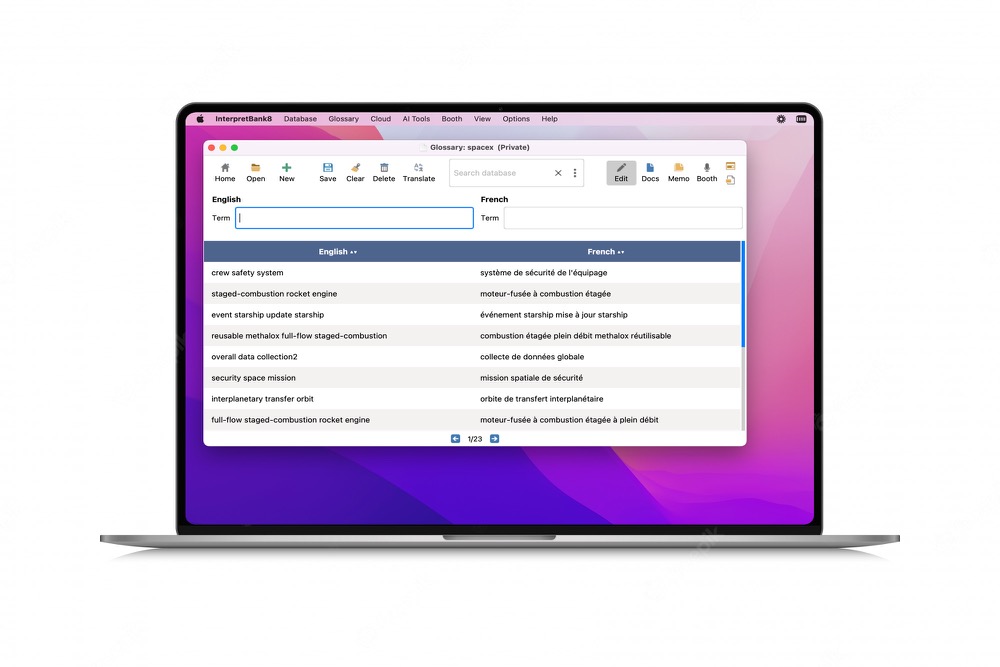
One workspace for every interpreting setting.
Whether you interpret at conferences or in courts, hospitals, public institutions, and community settings, InterpretBank gives you a dedicated workspace for terminology — fast to search, easy to maintain, and powered by AI to cut preparation time.
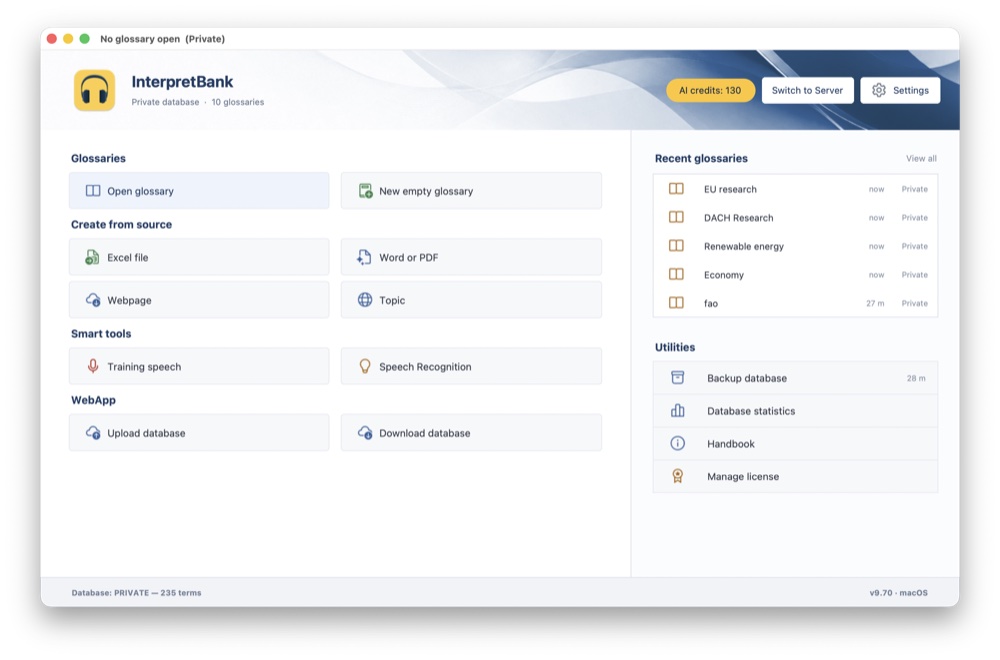
- Keep all your glossaries well-organized in an intuitive app
- Access your glossaries on your Desktop or any mobile device
- Extract terminology from your documents with a click of a button
- Use AI translation to help you compiling your glossaries
- Prepare better for an assignment with speeches and exercises
Available on Windows and macOS, with a WebApp companion for any device — iPad, Android tablet, or phone. Share individual glossaries with colleagues, even without an InterpretBank license.


Testimonials
What interpreters are saying.
Key Features
Everything you need, from preparation to any interpreting assignment.
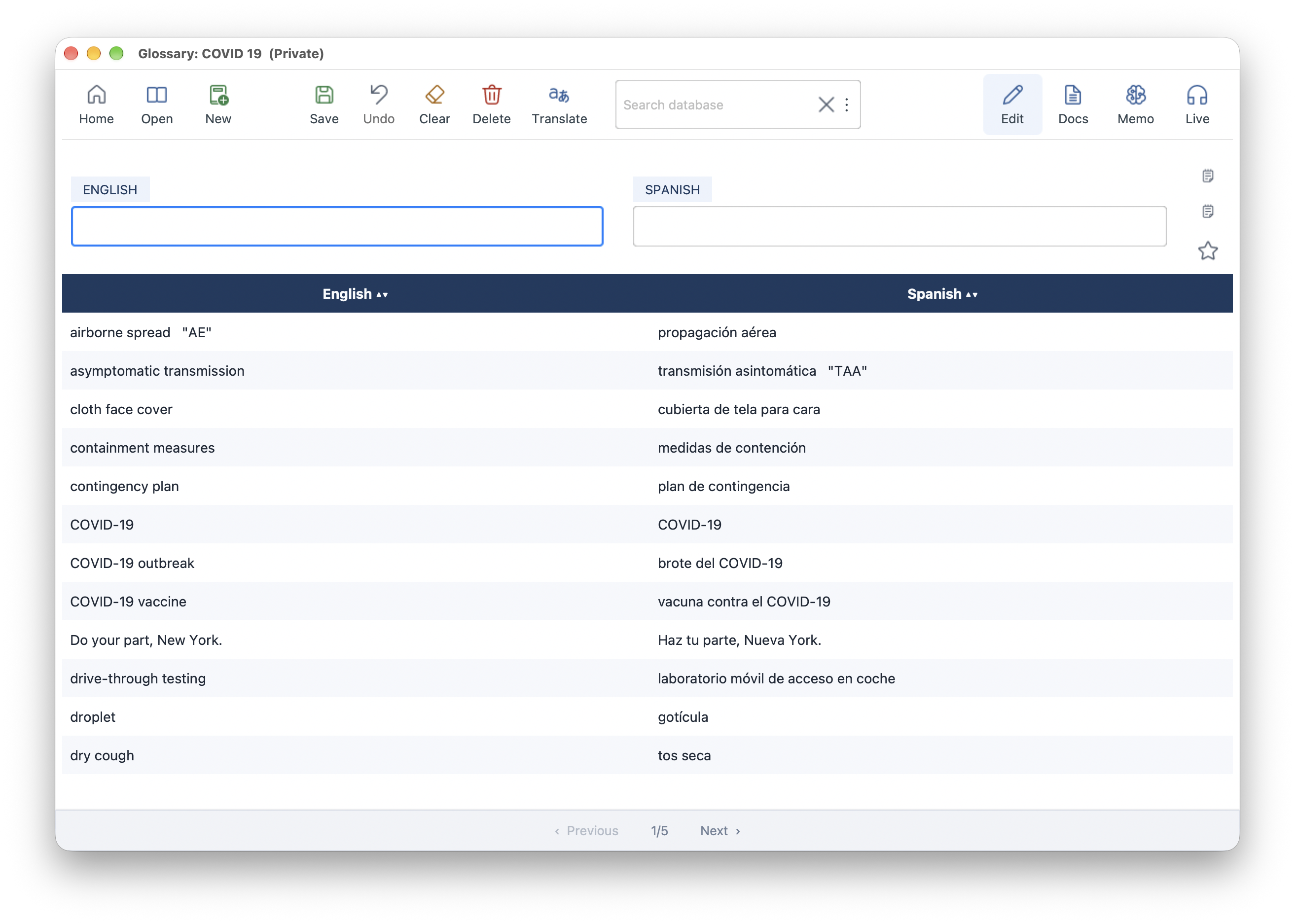
Create and manage glossaries
Effortlessly organize and search your terminology: all your glossaries and documents, securely stored and accessible anytime, right on your computer. If you are an organisation, you can use a central, shared MSSQL database for all your interpreters.
Explore featureAutomatic translate terms
Streamline your glossary preparation: effortlessly discover the optimal translations thanks to our proprietary terminology databases, public repository and Large Language Models for context-aware translations. Supports any language.
Explore featureSuper fast term lookup
Instant term lookup wherever you work. Retrieve terminology quickly in the booth, during a public service assignment, or on the go. Compatible with Windows, macOS, iPad, and Android tablets.
Explore featureAI glossaries from Word/PDF Documents
Automatically extract terminology from a PDF or Word document and create a multilingual glossary. Choose local processing for confidentiality or cloud processing when it fits your workflow.
Explore featureAI glossaries on any topic and language
Describe any topic—from solar energy to the Roman Empire—and create a context-aware glossary in seconds. A focused way to begin terminology work before documents arrive.
Explore featureGenerate Training Speeches
Create natural-sounding speeches tailored to your needs. Integrate terms from your glossary for realistic practice and build exercises around your topic, language and level.
Explore featureMemorize terms everywhere
Before an assignment, learn or refresh terminology with focused flashcard practice. Continue on your phone when you are on the go.
Explore featureAccess your glossaries on any device
Sync to the WebApp and access, edit, or study your glossaries from any device — even offline. Share individual glossaries with colleagues, no InterpretBank license required.
Explore featureLive Transcription
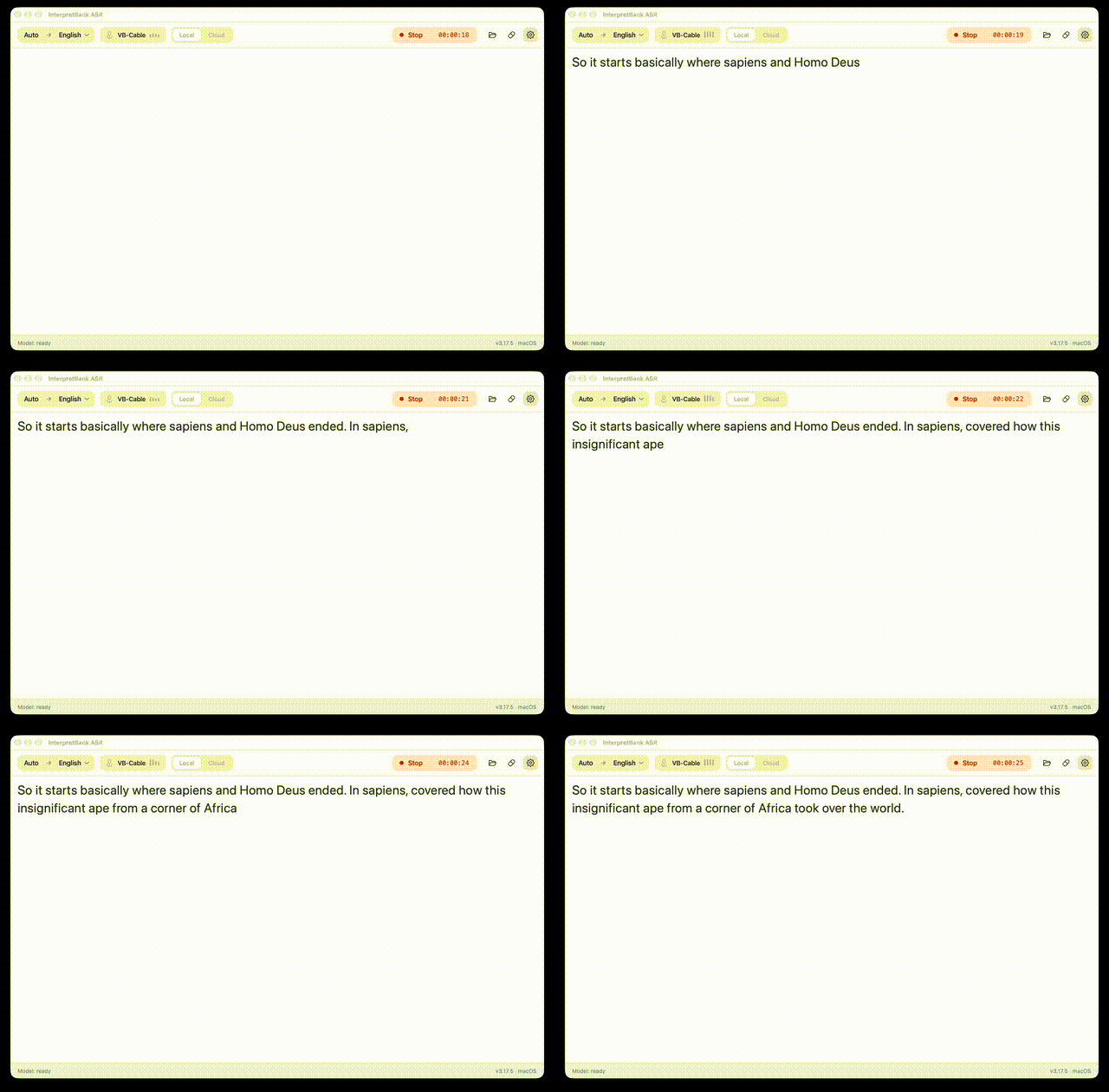
Real-time desktop transcription with glossary suggestions while you interpret, using Cloud or Local Transcription in the Windows and macOS app.
Explore featureStay up to date
Get notified about new features, tips, and workshops.
Screenshots
Glossary
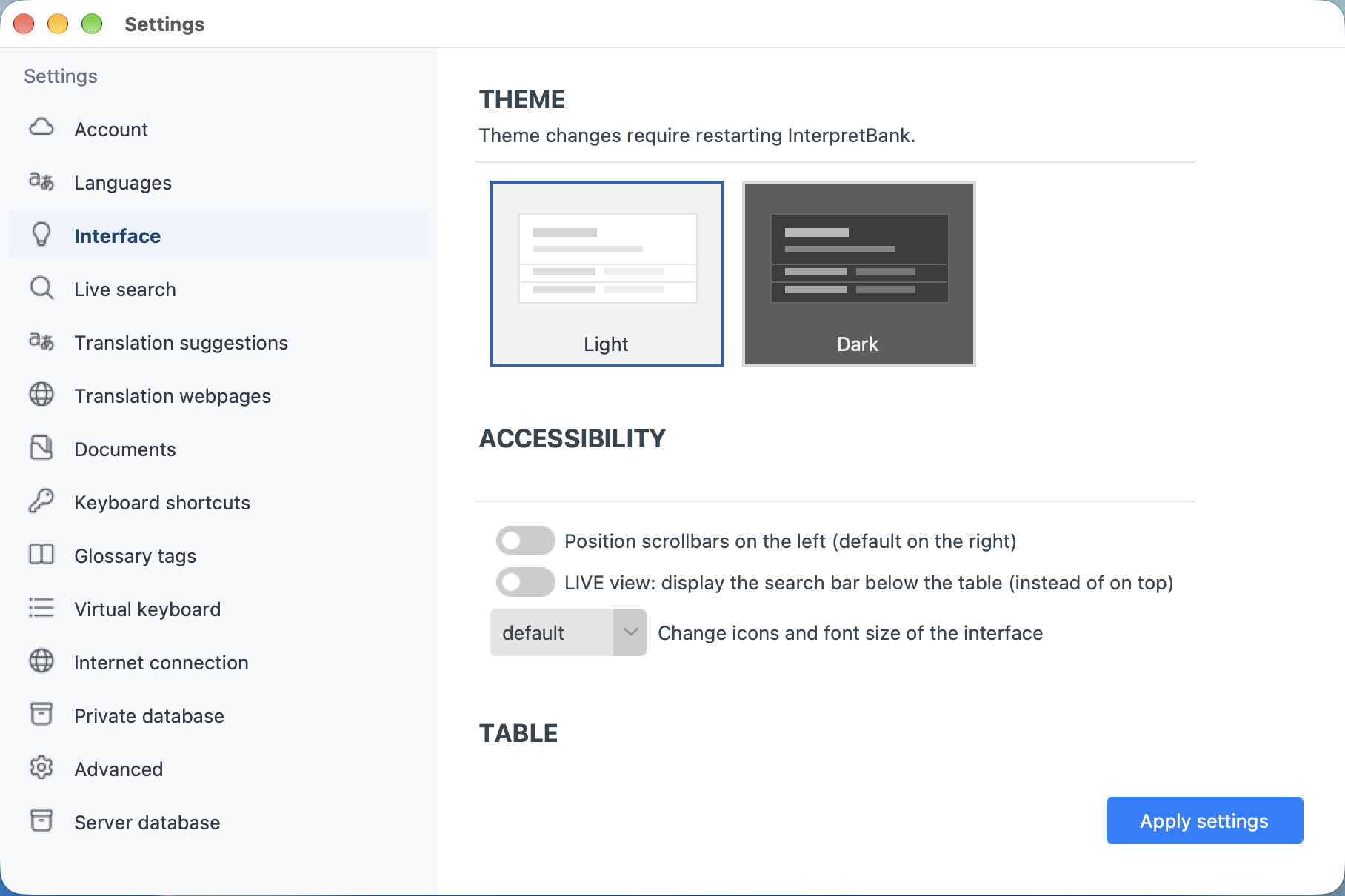
Settings
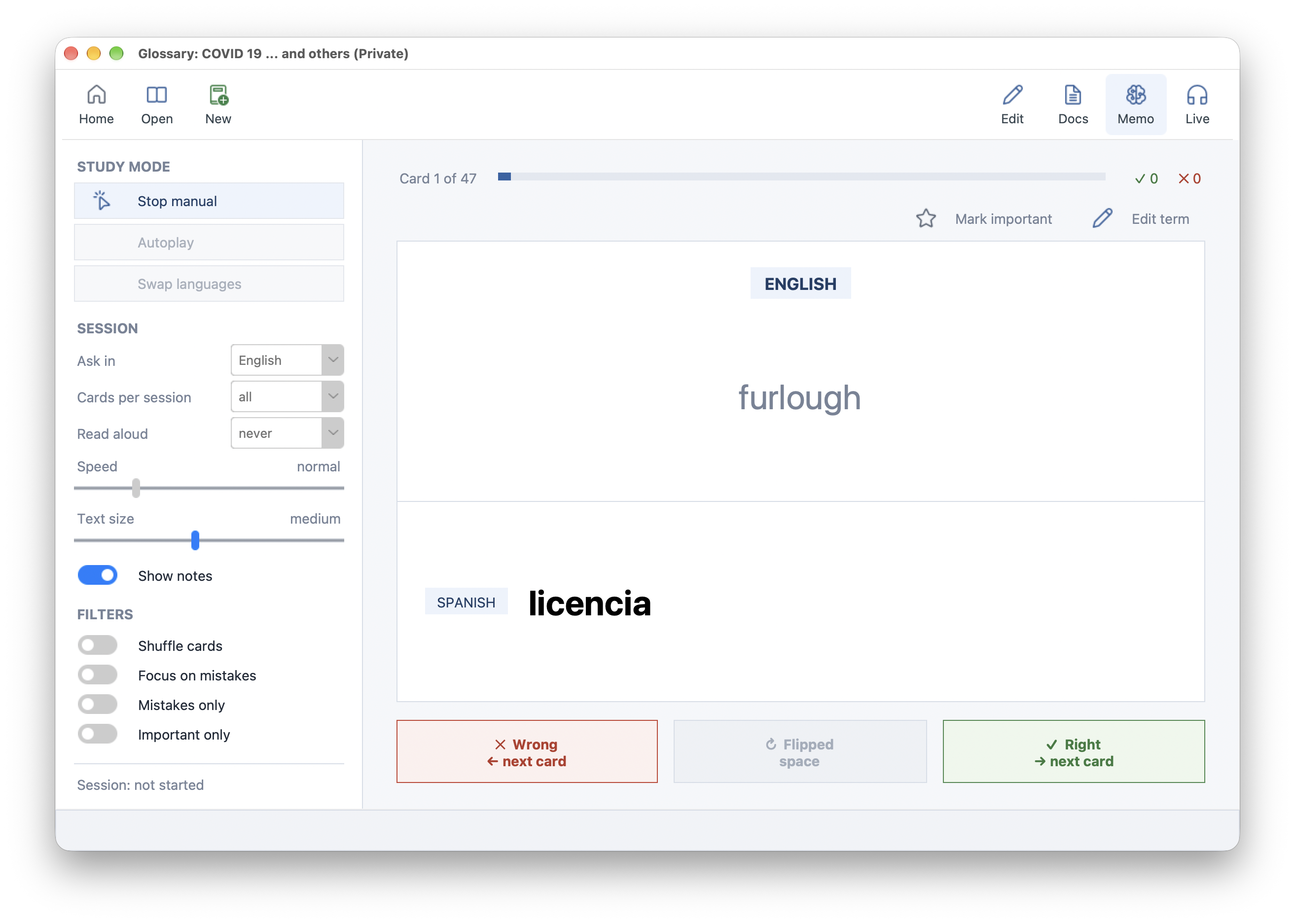
Memory mode
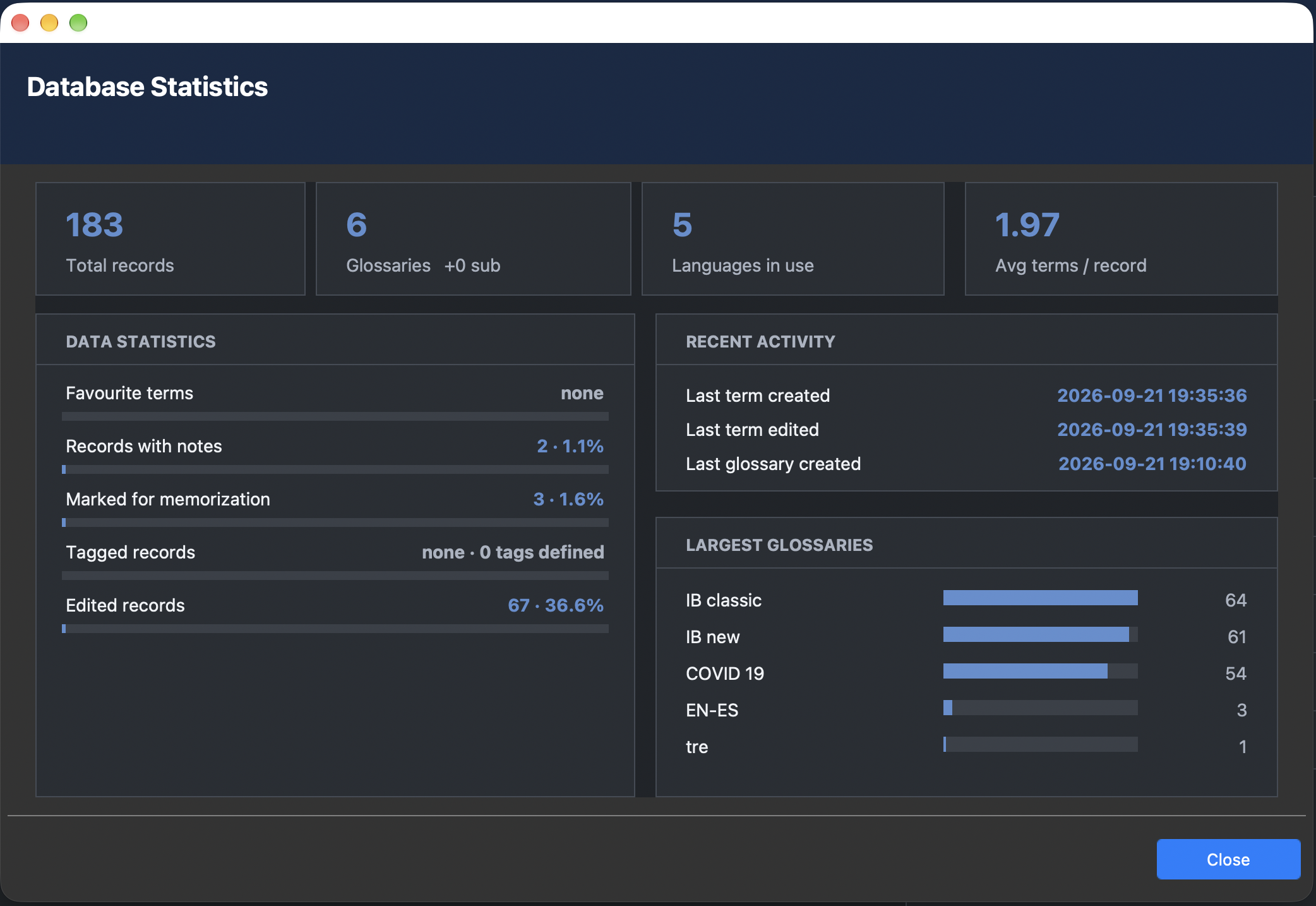
Statistics
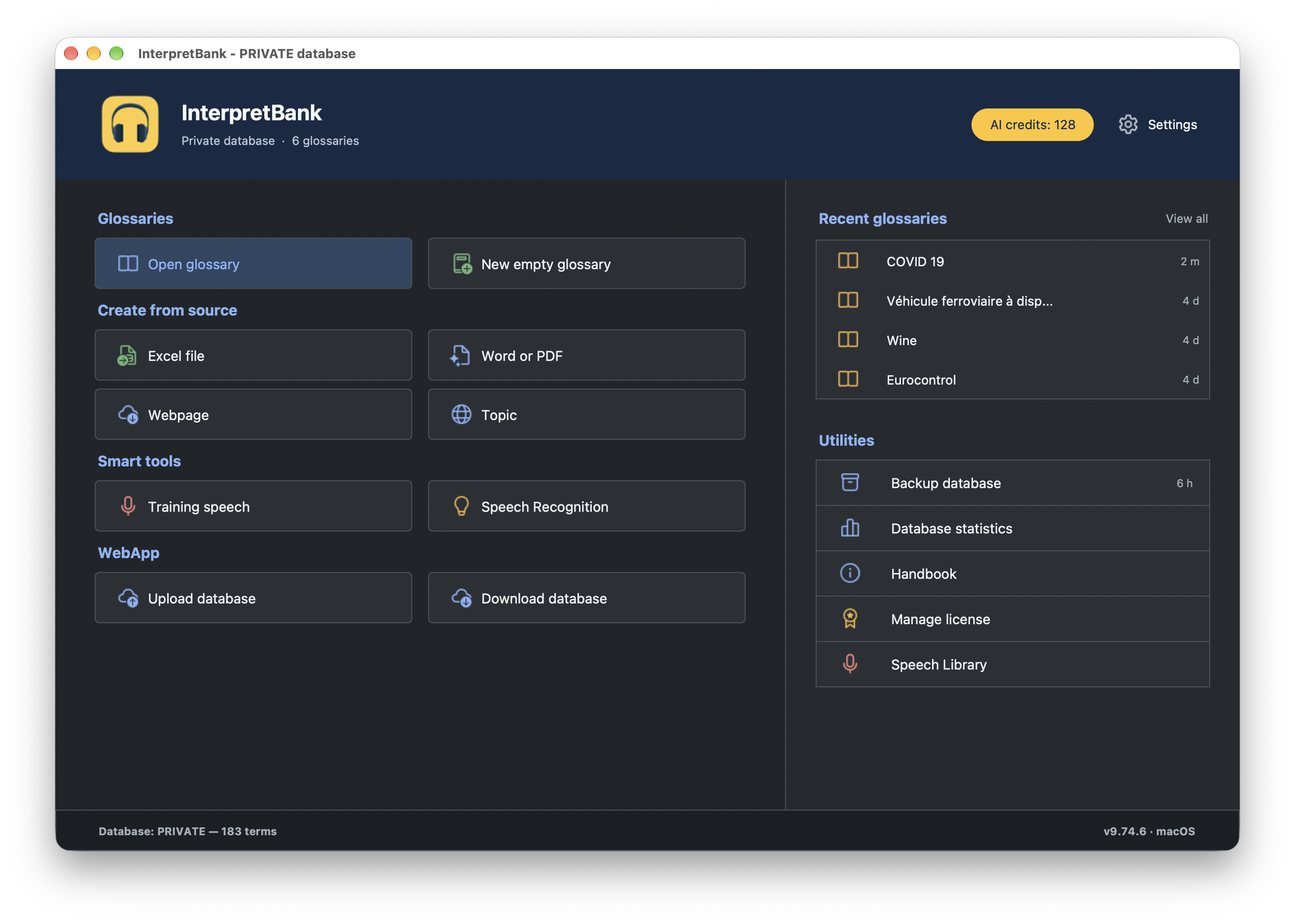
Dark mode
Pricing
Freelancer - Subscription
15.99 €9.99
/ month
billed yearly
- ALWAYS INCLUDED
- 1 user & 2 desktop installations
- Glossary creation & management
- Fast and intelligent term lookup
- Memorization feature
- WebApp for mobile devices
- AI translation
- AI automatic glossary creation
- Training speeches
- Live Transcribe App — Cloud transcription (credit-based)
- Live Transcribe App — Local transcription (unlimited)
- Glossary sharing
- Remote support
- Updates&Upgrades
Freelancer - Perpetual
€349.00 / perpetual
- FOREVER INCLUDED1
- 1 user & 2 desktop installations
- Glossary management and lookup
- Fast and intelligent term lookup
- Live Transcribe App — Local transcription (unlimited)
- Memorization feature
- INCLUDED IN THE FIRST YEAR2
- WebApp for mobile devices
- AI translation
- AI automatic glossary creation
- Training speeches
- Live Transcribe App — Cloud transcription (credit-based)
- Glossary sharing
- Remote support
- Updates&Upgrades
1Updates possible only during first year or with valid PRO Pack
2Can be extended at any time with a PRO Pack.
Enterprise - Subscription
€29.99 / month/seat
- All features of Freelance Subscription included
- Local shared MSSQL database for sharing glossaries
- Dedicated support
- Optional: Cloud shared database
or Contact Sales
Cloud Transcription Credits for Live Transcribe App
from €3.00 + VAT for 1 hour
No recurring payment. Requires an active Subscription or Perpetual license with valid PROpack .
- GDPR compliant
- Best-in-class quality
- Support also mobile devices
PRO Pack (1 Year Extension)
99 Euro / 109$ for 12 months
For perpetual licenses only. Extends your license to:
- WebApp for mobile devices
- AI translation
- AI automatic glossary creation
- Training speeches
- Live Transcribe App — Local transcription (unlimited)
- Live Transcribe App — Cloud transcription credits
- Glossary sharing
- Remote support
- Updates&Upgrades
Frequently Asked Questions
-
What is the difference between Subscription and Perpetual license?
Subscription — all features always included, with updates, upgrades, and remote support. Choose monthly or annual billing, cancel any time.
Perpetual — one-time purchase; use the version you bought indefinitely. Cloud, some AI features, updates, and support require an active PRO Pack, which is included free for the first year, and can be purchased at any time in the future.
-
What is a PRO Pack for Perpetual licenses and how I renew it?
A 12-month add-on for Perpetual licenses that restores Cloud and AI features, updates/upgrades, and remote support. (Subscriptions always include an active PRO Pack automatically.)
To renew, buy a PRO Pack on this page, then enter the code you receive by email in Help → License → PRO Pack in the Desktop App.
-
Special Provisions for Perpetual licenses
Can I use it forever?
Yes — but updating to a newer version requires an active PRO Pack. Without one, an OS update could make your installed version incompatible. We do not offer older version downloads.Can I move it to a new computer?
Yes, via the built-in license management. If you need support assistance (e.g. after a crash), an active PRO Pack is required.Is support available without a PRO Pack?
No. Support, updates, and upgrades all require an active PRO Pack. -
How can I update my installations?
You can update at any time if you have an active Subscription. If you have a Perpetual license, you can update only while you have a valid PRO Pack, which is included for one year from the moment of purchase.
After your PRO Pack expires, updating to a version more recent than the one installed while your PRO Pack was valid will block the installation from working. We do not provide older installers than the most recent version. If you want to install an older version later, you must keep the installer yourself.
Updates can be installed with the built-in update feature, or by downloading and installing the trial version from our webpage.
- How can I access support?
-
How do I cancel a subscription?
Cancel any time from the Desktop App or via the customer portal.
Cancel at least 24 hours before your renewal date. After that cutoff, the subscription renews automatically. For help, contact support@interpretbank.com.
-
How can I manage my subscription and billing details?
Use our customer portal with the email you used to purchase — you'll receive a magic link to access your account, where you can update payment details, invoice data, and billing.
-
How do I add my full address and, optionally, VAT deduction to the invoice?
In your cart, click Add VAT number under Order summary (may be hidden on mobile) to add your VAT number and/or full billing address. Invoices cannot be changed once issued.
Contact
Commercial:
info@interpretbank.com
Support
Technical support is available for clients with a valid Subscription or, in case of a Perpetual license, with an active PRO Pack. Send us your support requests using this web ticketing system. If want to file a bug report, you can also send us a notice directly from your Desktop installation (menu "Help | Report an issue")
NOTE: Before contacting the support, we advise you to install the latest available update (menu "Help | Search for an update"). This may solve your issue automatically. Important: updates are available only for active Subscriptions or, in case of a Perpetual license, PRO Packs.
In order to help us with the support, provide us the following info:
- your Desktop License Key
- what you are trying to do
- a detailed description of the issue
- if applicable, error messages and screenshots